Start with a song
Search Apple Music, identify a song with Shazam, or enter it yourself. Listening opens your chosen music app.
 Jimoa
YOUR LIFE, IN SONGS
Some songs take you right back.
Keep a little of that moment.
Made for iPhone · Beta in preparation
For the long way home.
The first dance. The ordinary Tuesday.
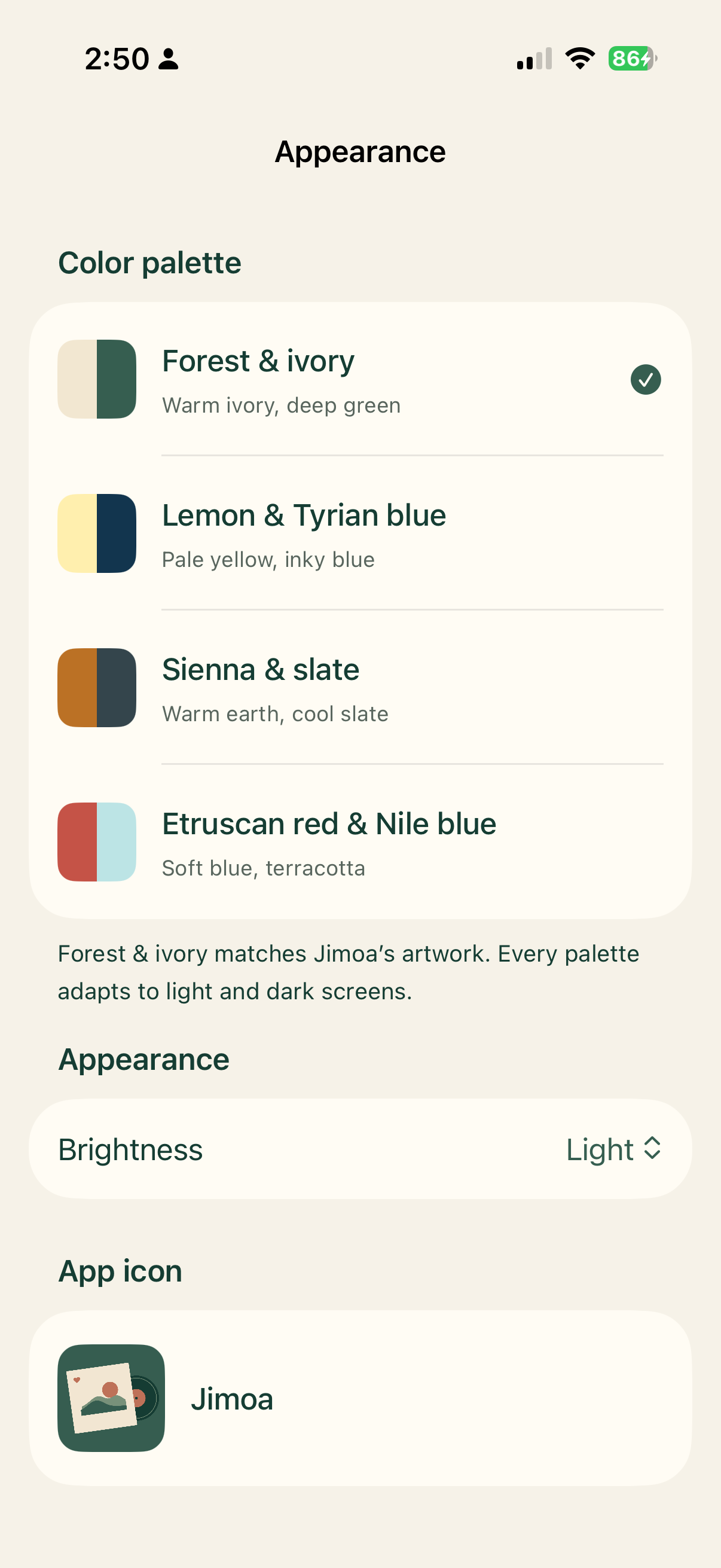
Forest & ivory. Light and dark, naturally.
A LITTLE MORE THAN A PLAYLIST
Search Apple Music, identify a song with Shazam, or enter it yourself. Listening opens your chosen music app.
Add a place, a few words, and your photos. The small details belong here.
Explore your personal map and its optional timeline, browse collections, or revisit memories from this day. Small achievements celebrate what you save.
LOOK BACK. TAKE IT WITH YOU.
Bring your saved songs, days and places together. Make a keepsake of one memory—or the whole chapter.
You choose what to include. An included map reveals the saved locations shown on it.
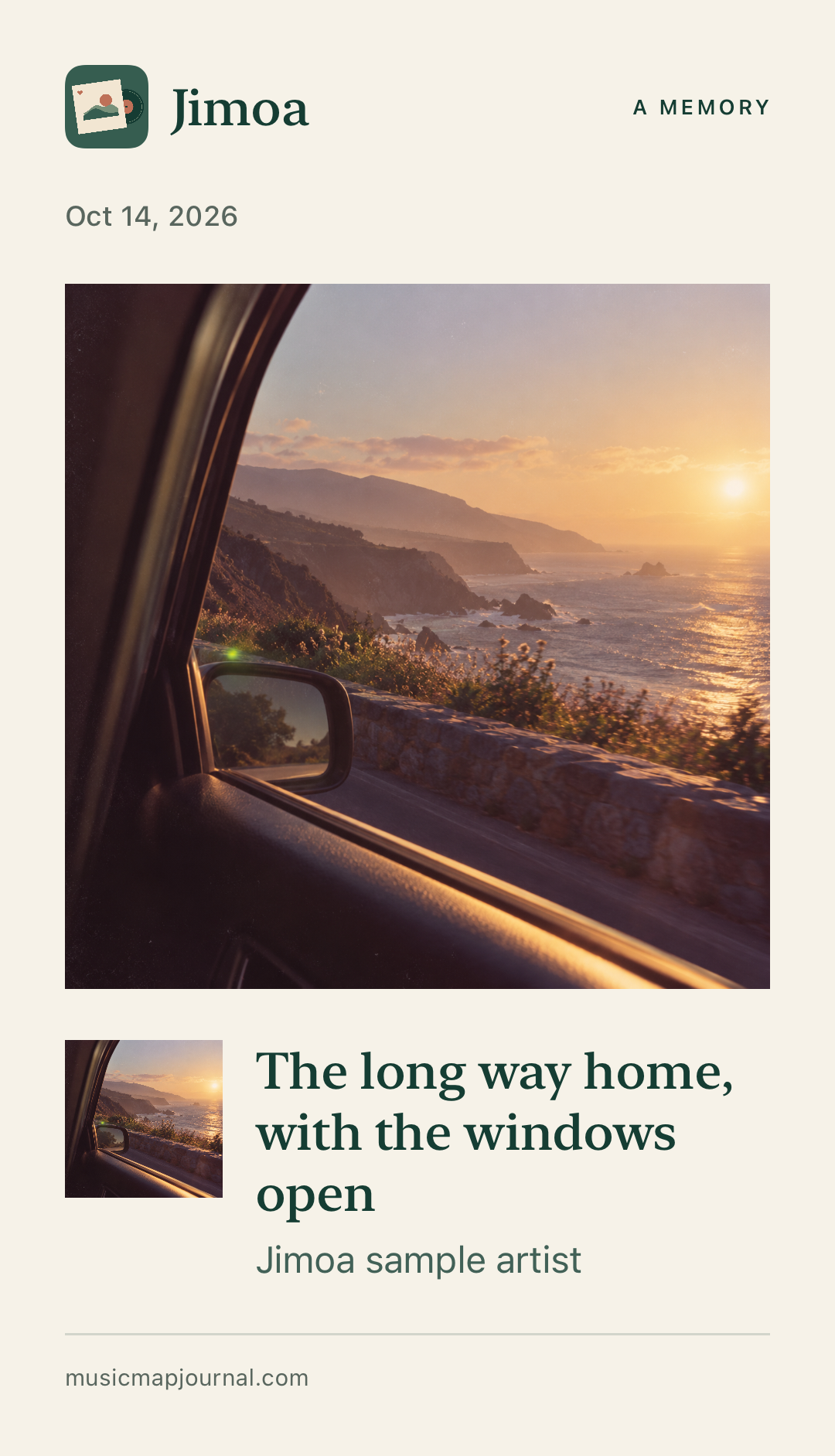
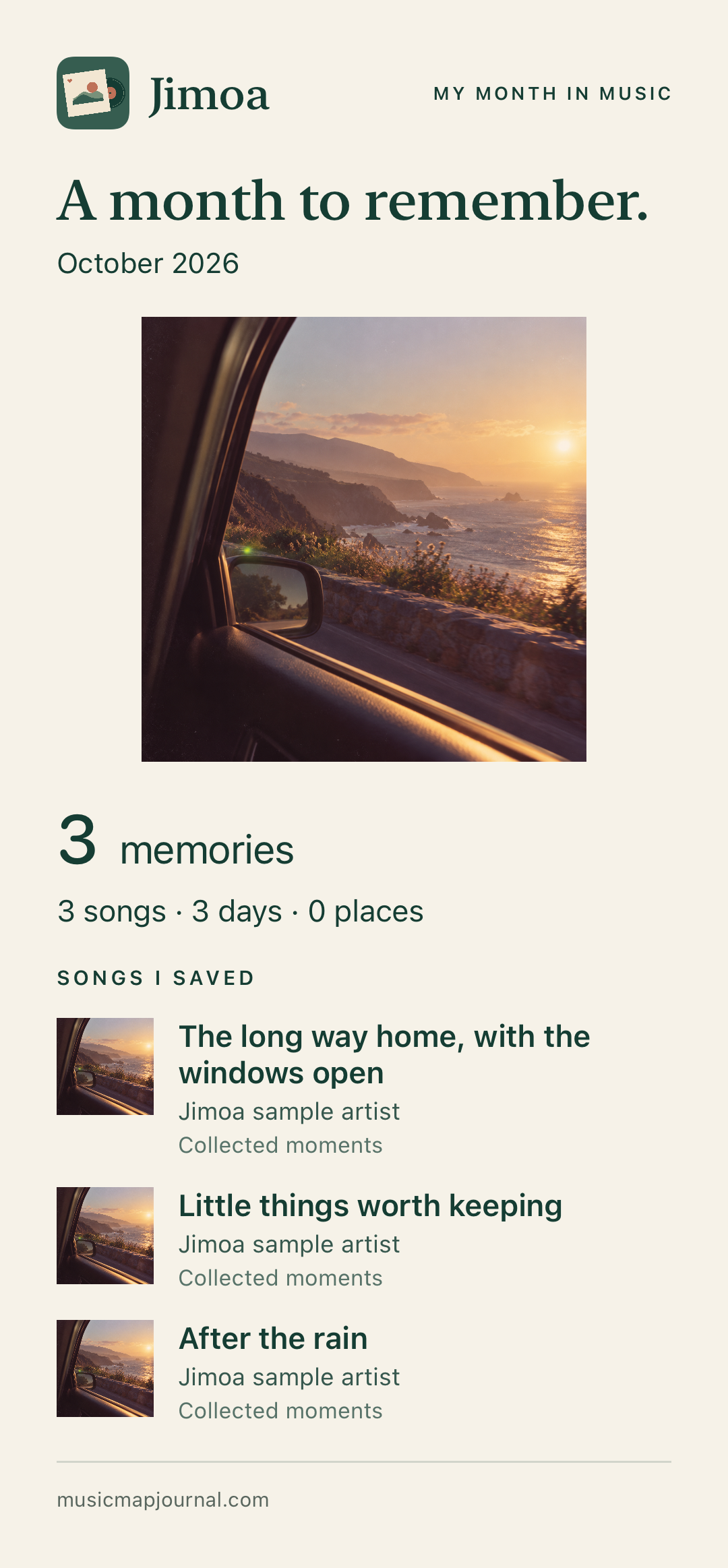
Made in Jimoa with example memories.
PERSONAL BY DEFAULT
Your journal is private. Sign in to sync memories and photos across your phones, or keep a guest journal on one iPhone. You choose what to share. Choose artwork, photos, a note or a place name for an individual card. Rewinds can include songs and a map. Review what is visible before sharing.
BEFORE THE FIRST NOTE
Pronounced “jee-mo-ah.” The name brings together Chinese 記/记, remembering or recording, and Korean 모아, gathering. A place to gather your memories, one song at a time.
Jimoa is getting ready for its first iPhone beta. A download link will be added here when testing opens.
No. Manual entry works without a music account. Open in Spotify and Search in Spotify are external links, with no Spotify connection required in Jimoa. You can also find songs with Apple Music or Shazam. Jimoa opens your chosen music app to listen; it does not stream full songs itself.
Community lets you share a song at its nearest city, with your Jimoa username. Friends lets you share an individual pin after a request is accepted, with exact location optional. Daily moment can invite you to save a song each day. Your private journal is separate from all sharing.
Yes. Each has a share-card preview with light and dark appearance options. Individual memories can include artwork, a photo, your note and a place name when you choose them. Weekly and monthly rewinds can include songs, a photo and a map. Share the finished image or save it to Photos.
No. Signed-in journals sync privately to your Jimoa account and remain available offline. Guest journals stay on one iPhone. Community is separate from your private journal.
Yes. Export all numbered backup parts to Files and restore them in Jimoa. Signed-in journals also sync memories, photos and deletions across phones. Wait for Synced in Storage & backups before changing devices.
Keep what the song brings back.
Back to the beginning